Amazon product targeting lets you place ads directly on competitor product pages or within specific shopping categories, reaching buyers at the moment their purchase intent is highest. This approach moves beyond simple search bar keywords to target customer behavior as they browse.
Using this method effectively can help you capture competitor sales, defend your own digital shelf space, and cross-sell complementary items from your catalog.
What Is Amazon Product Targeting?
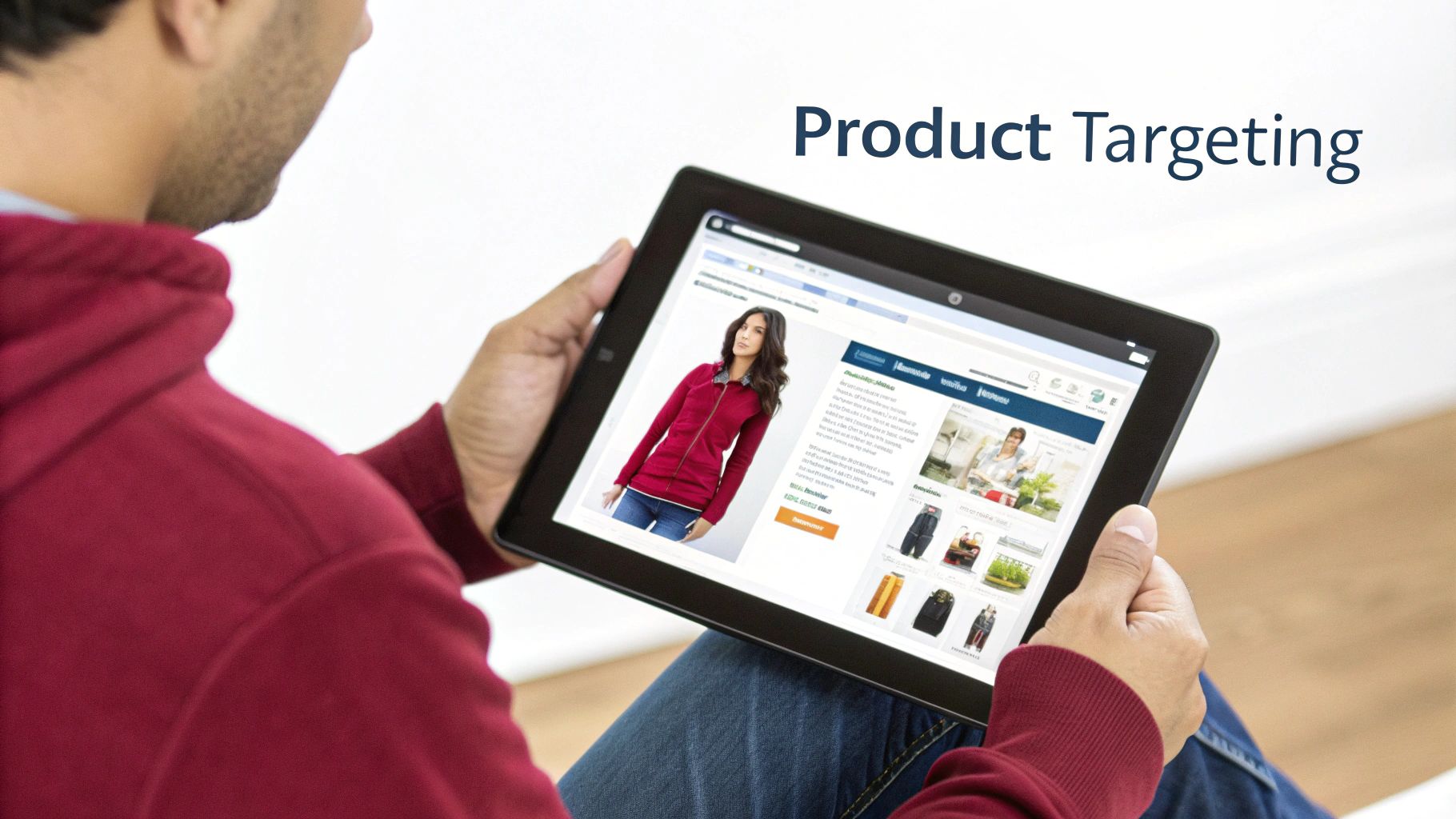
Product targeting is a feature in Sponsored Products and Sponsored Display campaigns that allows you to show ads on specific product detail pages or within filtered search results. Instead of bidding on what a shopper searches for, you’re bidding to appear when a shopper is actively looking at a certain product or browsing a specific category.
This is a fundamental shift from keyword-based ads. Keywords capture a customer’s search intent, while product targeting focuses on their browsing intent. You are meeting them at the exact moment they are making a final decision.
Properly executed, this not only drives sales but also contributes to optimizing the e-commerce customer experience by presenting highly relevant products at the right time.
1. Product vs. Keyword Targeting
Here’s a quick breakdown to help you decide which approach fits your campaign goals.
| Targeting Type | How It Works | Best Used For | Example Scenario |
|---|---|---|---|
| Product Targeting | Place ads on specific ASINs or within product categories (e.g., “Men’s Running Shoes”). | Capturing competitor sales, cross-selling, defending product pages, reaching browsing shoppers. | Your running shoe ad appears on a Nike product page or in the “Trail Running Shoes” category. |
| Keyword Targeting | Bid on search terms shoppers type into the Amazon search bar (e.g., “lightweight running shoes”). | Capturing initial search demand, ranking for core terms, reaching shoppers actively searching. | Your ad shows up when someone searches for “best running shoes for flat feet.” |
Both are necessary, but they serve different strategic purposes in your overall advertising mix.
2. How Product Targeting Works
The system breaks down into two main approaches: targeting individual products (ASINs) or broader product categories.
- ASIN Targeting: This is the direct approach. You hand-pick the exact product detail pages where you want your ad to appear, placing your product directly in front of your competitor’s.
- Category Targeting: This casts a wider net. You select entire product categories, like “Kitchen & Dining,” and can then filter your audience using refinements like brand, price range, and average star rating.
This level of precision is why Amazon product targeting is a preferred method for sellers aiming for more sophistication than basic keyword campaigns. For a refresher on how this fits into the bigger picture, see our explanation of what PPC is on Amazon.
Pro Tip: Don’t just target direct competitors. A useful tactic is to target complementary products. If you sell premium coffee beans, targeting popular coffee grinders or espresso machines puts your product in front of someone who clearly needs what you’re selling.
3. Why It Matters for Sellers
Customer behavior on Amazon isn’t just a straight line from search to purchase. People browse, compare, and discover new items along the way.
A significant portion of purchases comes from shoppers clicking through the “products related to this item” and “customers also bought” carousels.
Product targeting campaigns allow you to tap into this natural browsing behavior. A well-placed ad can intercept a sale from a competitor, introduce a new customer to your brand, or increase your average order value by suggesting a smart cross-sell. It’s an essential part of a modern Amazon ad strategy.
Choosing Between ASIN and Category Targeting
Product targeting offers two main options: getting specific with ASINs or casting a wider net with categories. The choice depends on your campaign’s goal, budget, and market knowledge.
Think of ASIN targeting as a sniper rifle and category targeting as a shotgun. Both are effective, but you wouldn’t use one where you need the other. Understanding when to use each is key.
1. When To Use ASIN Targeting
With ASIN targeting, you place your ad on a specific product detail page, such as a competitor’s, a complementary product’s, or even one of your own. This is the most direct form of Amazon product targeting and is ideal for specific goals.
Use ASIN targeting for these key missions:
- Conquesting Competitors: Find your top rivals and place ads on their product pages to attract their customers. Look for competitors with high traffic but poor reviews, a higher price point, or recent negative feedback. This is your opportunity to present a better alternative.
- Defending Your Turf: Target your own ASINs. When a shopper is on your product page, you don’t want them to see a carousel of competitor ads. Fill that “Sponsored products related to this item” space with your other products to keep customers within your brand’s ecosystem.
- Cross-Selling and Upselling: Do you sell phone cases? Target new iPhone models. Selling premium coffee filters? Target popular espresso machines. This strategy shows customers the perfect add-on, increasing your average order value.
Seller Insight: A useful tip is to target the ASINs Amazon already shows in the “Frequently bought together” section on your product page. Amazon’s algorithm has identified a winning combination for you.
2. When To Use Category Targeting
Category targeting is best for broader goals like reach and brand awareness. Instead of picking individual ASINs, you’re targeting an entire product category or sub-category. It’s less precise, but its strength is in its scale, reaching shoppers in discovery mode.
Category targeting is often used for top-of-funnel goals:
- Launching a New Product: When your product is new, you need to get it in front of as many relevant people as possible, quickly. Targeting an appropriate category puts your product on the map for shoppers actively browsing for similar items.
- Building Brand Awareness: If you want your brand to become a known name in your niche, you need to appear where potential customers are looking. Category targeting ensures visibility across the entire product landscape.
- Market Intelligence Gathering: A broad category campaign is an effective way to conduct market research. It reveals which brands, price points, and product types your ads perform best against. You can then use this data to build targeted ASIN campaigns.
3. Using Refinements to Sharpen Your Aim
Targeting a whole category can be inefficient without refinements. Refinements add precision to your broader approach.
You can and should refine your category targets by:
- Brand: Target everyone in the “Hiking Boots” category except for Merrell, or only shoppers looking at Keen.
- Price: If you sell a premium product, filter out budget options to avoid clicks from shoppers who won’t pay your price.
- Star Rating: Target products in your category with 3-star ratings or below to position your higher-rated product as the better choice.
- Shipping Eligibility: Refining by Prime eligibility can help target more engaged shoppers and established sellers.
For a full comparison of these options, see our guide on automatic vs. manual campaign targeting.
The best strategies often use a mix of both targeting types. You might start with a broad category campaign for awareness and data collection, then use those insights to launch a surgical ASIN campaign.
Structuring Your Product Targeting Campaigns

A profitable advertising strategy begins with a clean, organized campaign structure. Grouping all your targets into one campaign leads to wasted ad spend and confusing data. The goal is to isolate different strategies to control budgets, set precise bids, and understand what’s working.
Without a logical structure, you can’t determine if your competitor-focused ads are outperforming your broader category ads. This separation provides the control needed to scale your Amazon product targeting efforts effectively.
1. The Offensive vs. Defensive Split
The first and most important split is separating your offensive and defensive plays. These two strategies have different goals and require different budget and bidding approaches.
- Offensive Campaigns (Competitor Targeting): These campaigns aim to capture market share. You’ll target specific competitor ASINs where you have an edge, such as price, features, or reviews. These are higher-risk, higher-reward campaigns.
- Defensive Campaigns (Brand Protection): Here, you target your own ASINs to build a “brand wall” on your product pages, filling sponsored slots with your other products. This prevents competitors from poaching your traffic.
This split is fundamental. You’ll likely bid more aggressively on offensive campaigns, while defensive ads can often run on lower bids since the shopper is already on your page.
2. Isolate ASIN and Category Targeting
Within your offensive strategy, create separate campaigns for ASIN and category targeting. Mixing them makes the data messy because they serve different purposes. ASIN targeting is precise; category targeting is for broad reach.
A clean, basic structure might look like this:
- Campaign 1: Offensive – ASIN Targeting (Direct Competitors)
- Campaign 2: Offensive – Category Targeting (Broad with Refinements)
- Campaign 3: Defensive – ASIN Targeting (Your Own Products)
This setup allows you to allocate more budget to high-intent competitor ASINs and use a smaller, exploratory budget for testing categories.
3. Organize Ad Groups for Relevance
Inside each campaign, ad groups help you fine-tune your strategy. Don’t put hundreds of ASINs into a single ad group. Group them logically to test performance and maintain ad relevance.
Here are a few ways to structure ad groups:
- By Competitor Brand: Put all ASINs from a single competitor into one ad group to see which brands you perform best against.
- By Price Point: Create separate ad groups for high-priced, mid-range, and low-priced competitors to discover where your product converts best.
- By Product Type: If you sell a garlic press, you could have one ad group for stainless steel presses and another for plastic models to see where you have an advantage.
For small and mid-size brands, this methodical approach is important. A common workflow is to start new products with automatic campaigns to gather search term data. Once an item is established, move to product targeting. Then, use Sponsored Brands campaigns with category targeting for broader awareness, measuring success with new-to-brand metrics. You can find more details on these Amazon targeting strategies for 2025.
4. Your Pre-Launch Checklist
Before launching, run through this checklist to prevent costly mistakes and ensure you collect clean, actionable data from the start.
- ASIN Lists Are Ready: Have you compiled and organized your lists of competitor and defensive ASINs?
- Category Refinements Are Set: Have you decided on the brand, price, and star-rating refinements for your category campaigns?
- Budgets Are Allocated: Set a daily budget for each campaign based on its strategic importance.
- Bidding Strategy Is Chosen: Decide if you’ll start with “Dynamic bids – down only” or a more aggressive approach.
- Negative Targets Are Prepared: If you know of irrelevant brands or products, add them as negative targets immediately.
Seller Takeaway: Your campaign structure isn’t permanent. It should evolve as you gather performance data. The most important thing is to start with a logical, segmented foundation that allows for smart optimization decisions.
Setting Smart Bids and Budgets
With your campaigns structured, the next step is setting the right bids and budgets. Many sellers either accept Amazon’s suggestions without thought or set bids too low for their ads to be seen.
You need to spend enough to get meaningful data without burning cash on non-converting targets. Your bid determines your entry into the ad auction. Bid too low, and you’re out. Bid too high on an unproven ASIN, and you’ll drain your budget. The goal is to find a balance: consistent traffic at a cost that protects your profit margins.
1. Choosing Your Bidding Strategy
Amazon offers several bidding strategies. The one you choose should align with your campaign’s objective, whether it’s defending your own listings or targeting a key competitor.
- Dynamic bids – down only: This is a safe starting point. Amazon will automatically lower your bid if a click is less likely to lead to a sale. I recommend this for new product targeting campaigns, especially when testing a new category or a long list of competitor ASINs. It helps avoid overpaying during the data-gathering phase.
- Dynamic bids – up and down: This is more aggressive. Amazon can increase your bid (by up to 100%) for top placements and lower it for others. I use this strategy only for proven, high-converting targets. You must be confident that a top placement will drive more sales; otherwise, you’re just paying a premium for clicks.
- Fixed bids: This strategy gives you full control, telling Amazon to bid your exact amount every time. It’s a high-risk approach reserved for specific, surgical strikes, like dominating a top competitor’s product page.
For a deeper look into these options, you can learn more about choosing the right Amazon bidding strategies.
2. How To Set Your Initial Bids
Don’t blindly accept Amazon’s suggested bid. It’s a generic recommendation that doesn’t consider your product’s price, profit margin, or goals. Calculate your starting bid based on your own numbers.
A good starting point is determining your break-even ACoS (Advertising Cost of Sale). This is the maximum you can spend on ads before a sale becomes unprofitable.
Example:
Your product sells for $40. Your total cost of goods sold (COGS), including shipping and Amazon fees, is $25.
This leaves a $15 profit per sale.
Your break-even ACoS is your profit divided by your sale price: $15 / $40 = 37.5%.
To be profitable, your target ACoS should be below that number, perhaps around 25%.
Once you have your target ACoS, you can work backward to set an initial bid. It’s an educated guess, but one based on your finances.
3. Allocating Your Daily Budget
Your daily budget is the spending cap for each campaign. A common mistake is spreading the budget too thinly across too many campaigns. It’s better to fund a few well-structured campaigns properly than to underfund a dozen.
For Amazon product targeting, a balanced budget split often works best:
- 60% to High-Confidence Targets: Allocate the majority of your budget to high-priority campaigns, such as defensive campaigns protecting your ASINs and offensive campaigns targeting your top 3-5 direct competitors.
- 40% to Testing and Discovery: Use the rest of your budget for exploratory campaigns. This fund can be used to test new product categories, target complementary products, or experiment with targeting lower-rated competitors.
This 60/40 split provides a solid framework, keeping your core strategy funded while allowing room to discover new, profitable targeting opportunities.
Refining Campaigns With Negative Targeting
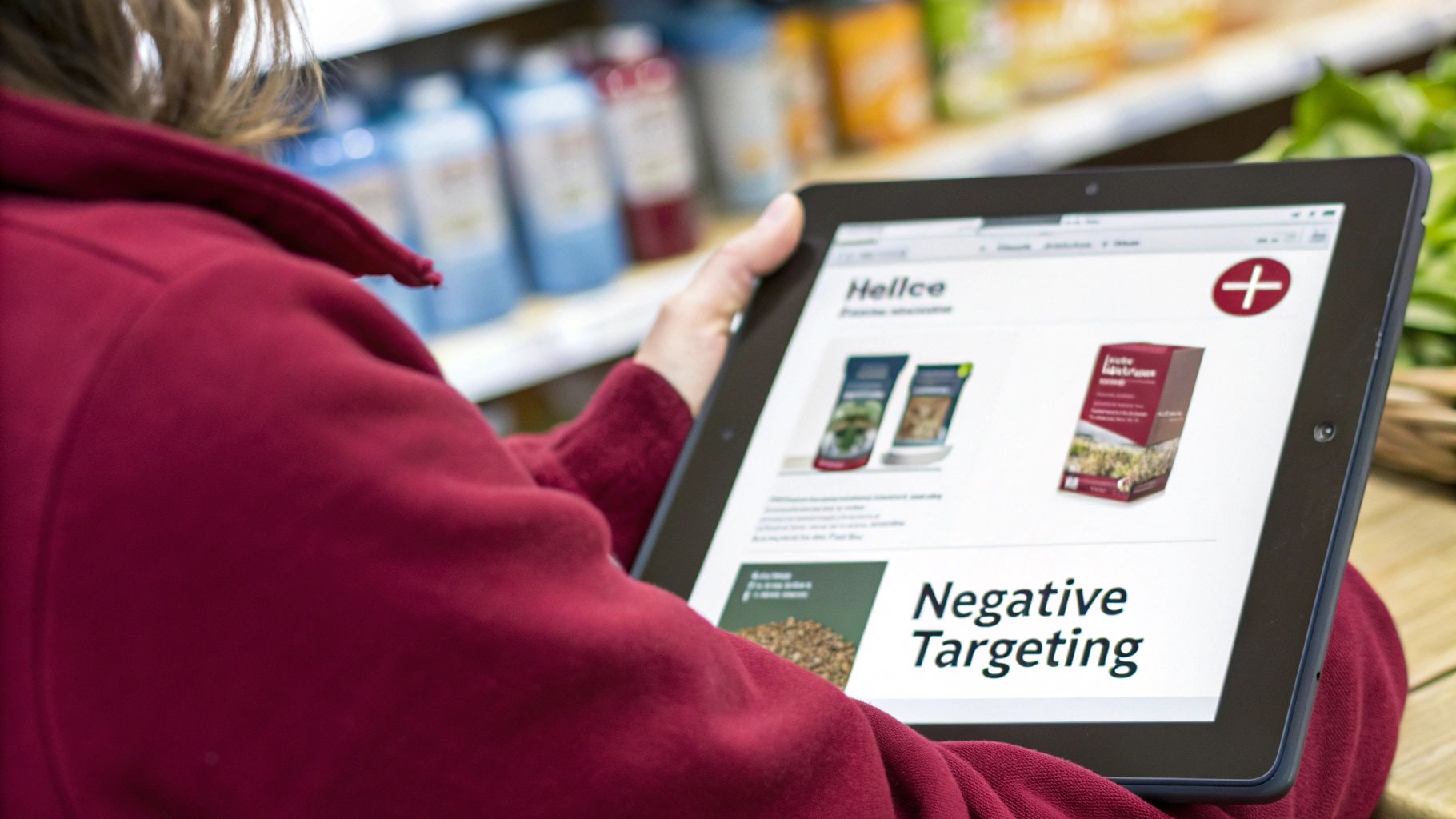
Effective advertising isn’t just about who you target; it’s also about who you don’t target. Negative product targeting is a valuable tool for telling Amazon where your ads shouldn’t appear, helping you reduce wasted ad spend and lower your ACoS.
Think of it as pruning away placements that attract clicks but not sales. Every irrelevant ASIN or brand you exclude is a direct saving, freeing up budget for targets that drive results.
1. Understanding Negative ASIN vs. Negative Brand Targeting
Amazon provides two ways to refine your targeting: by blocking individual products (ASINs) or entire brands.
- Negative ASIN Targeting: This is a precision tool. Use it when a specific product is consuming your budget with clicks but generating no sales. For example, if your ad for a premium leather dog collar keeps appearing on a page for a cheap nylon collar and getting clicks from bargain hunters, add that nylon collar’s ASIN as a negative.
- Negative Brand Targeting: This is a broader approach. Use it to prevent your ads from showing on any product page from a specific brand. It’s efficient when you find that an entire brand’s customer base is not a good fit for your product.
Real-World Scenario: You sell high-end, organic, grain-free dog food. Your reports show clicks coming from product pages for budget-friendly, grain-heavy brands like Pedigree. Those shoppers are looking for a low price, not premium ingredients. Instead of adding dozens of individual Pedigree ASINs as negatives, you can add “Pedigree” as a negative brand to block them all.
2. A Simple Workflow For Finding Negative Targets
Identifying what to block is a data-driven process. Your advertising reports contain all the information you need.
Start with your Search Term Report. For product targeting campaigns, this report shows the exact ASINs that triggered your ads. To get comfortable with these reports, you can learn more about decoding Amazon advertising reports.
Here’s a workflow you can use today:
- Download Your Report: Pull the Search Term Report for your product targeting campaign for the last 14-30 days.
- Filter and Analyze: Open it in a spreadsheet and filter for ASINs with a high number of clicks but zero sales.
- Set a Threshold: Give an ASIN a fair chance before blocking it. A good rule is to add any ASIN as a negative if it has 10-15 clicks without a single sale.
- Look for Brand Patterns: Scan the list of underperforming ASINs for trends. If several products are from the same brand, you’ve found a good candidate for a negative brand target.
- Add Your Exclusions: Go to your campaign’s “Negative targeting” tab and add the identified ASINs or brands.
Making this part of your weekly or bi-weekly optimization routine is a significant improvement. It ensures your budget is always focused on relevant, high-intent shoppers.
Analyzing Performance and Scaling Success
Once your campaigns are live, the real work begins.
Launching is the first step. The difference between a profitable campaign and a costly experiment is consistent analysis and smart scaling. Success with Amazon product targeting involves reading the data and knowing when and how to double down.
Relying solely on ACoS gives an incomplete picture. Effective analysis goes deeper.
1. Key Performance Metrics Beyond ACoS
To understand your campaign’s health, monitor a few key performance indicators (KPIs). Each one reveals something different about how shoppers interact with your ads.
- Click-Through Rate (CTR): This measures how many people who saw your ad clicked on it. A low CTR could indicate your main image isn’t compelling or your product isn’t a good match for the page it’s on.
- Conversion Rate (CVR): This shows how many shoppers who clicked actually bought your product. A high CTR with a low CVR suggests a relevance problem. You’re getting them to the page, but your listing isn’t closing the sale.
- New-to-Brand Orders: This metric is valuable, especially for category targeting. It shows how many sales came from customers new to your brand, measuring how well your ads are growing your customer base.
2. Scaling Your Winning Campaigns
Once you’ve identified high-performing targets with a healthy mix of CTR, CVR, and ACoS, it’s time to increase your investment.
When evaluating profitability, ROAS is a critical metric. A helpful Ultimate Return On Ad Spend (ROAS) Calculator can assist with your analysis.
Seller Takeaway: Create a separate “Winners” campaign. Move your best-performing ASINs and category targets into this new campaign, give it a higher budget, and consider a more aggressive bidding strategy like “Dynamic bids – up and down.” This isolates your top performers and gives them the resources to maximize their impact.
For larger brands seeking more granular insights, the Amazon Marketing Cloud can connect ad performance to the broader customer journey, providing a clearer view of what drives growth. This approach allows you to systematically test new targets while protecting and scaling what already works.
Frequently Asked Questions
1. How long should a product targeting campaign run before optimization?
Let a new campaign run for at least one to two weeks before making significant optimizations. Amazon’s sales attribution can take a few days to fully report all data. Making decisions too early means you’re working with an incomplete picture. After this initial period, you’ll have a clearer view of which targets are profitable and which are wasting ad spend.
2. Can I use product targeting in Sponsored Display ads?
Yes. Product targeting is a core feature of Sponsored Display campaigns and works similarly to Sponsored Products. The main difference is the reach. With Sponsored Display, your ads can appear both on and off Amazon, increasing visibility for your brand. It’s an effective way to retarget shoppers who viewed your product pages or to reach new audiences browsing competitor listings.
3. What’s a common mistake with ASIN targeting?
A frequent and costly mistake is targeting irrelevant or mismatched products. For example, showing an ad for budget-friendly coffee pods on a product page for a high-end espresso machine.
While the product category may seem related, the customer’s mindset, intent, and price sensitivity are very different. This mismatch leads to wasted clicks from shoppers who were never going to buy your product. Always ensure the ASINs you target are a close match in price, quality, and customer profile to protect your ad spend and improve your conversion rate.